 PROJECT OVERVIEW
Ascenders is a 2D platformer where the character auto-runs, reversing on walls upon contact, and the player must take advantage of their environment to progress up a tall vertical stage. Moves like jumps, rolls, dives, and divekicks all interact with the terrain in unique ways enabling players to experiment with their movement toolkit. Camera follows character using unqiue node-based teqnique allowing for control over camera constraints and position.
INITIAL DEVELOPMENTWanting to up my programming and design skills and make a unique movement system, I began re-using a simple platformer code I had written. After a few days of conceptualization and sketches, I landed on the idea of the action always moving regardless of player input. By forcing the character to run automatically it makes the player think on the fly and make quick decisions with no time to stop and take things slow. These design decisions revolving around quick decision making, reaction, and constant flow of action felt core to where my enjoyment of video games lies.
CAMERA & ACTION FRAMINGAs the environment and level design dictate the way players interact with the game, I placed a strong emphasis on the presentation and framing of the level. To do this I thought of ways to frame the action to focus directly on a chunk of the level to ensure players get a clear view of the space for them to work off of. To achieve this, I experimented with various camera systems through sketching and scripting. What I settled on was a node-based camera system with a high degree of control over framing and camera positioning.
REFINING IDEASI kept the auto-running behavior, disabled left and right input, and made horizontal collision with walls reverse the character's speed and direction. If I placed this character in a traditional horizontal platforming stage, it wouldn't make good use of the wall dependent movement mechanics. I decided on designing a tall vertical stage with a mix of vertical and horizontal platforming challenges. With that settled, I brainstormed, designed, and developed various vertical movement options to compliment the horizontal movement in the vertical space.
[ GROUND MOVEMENT ]
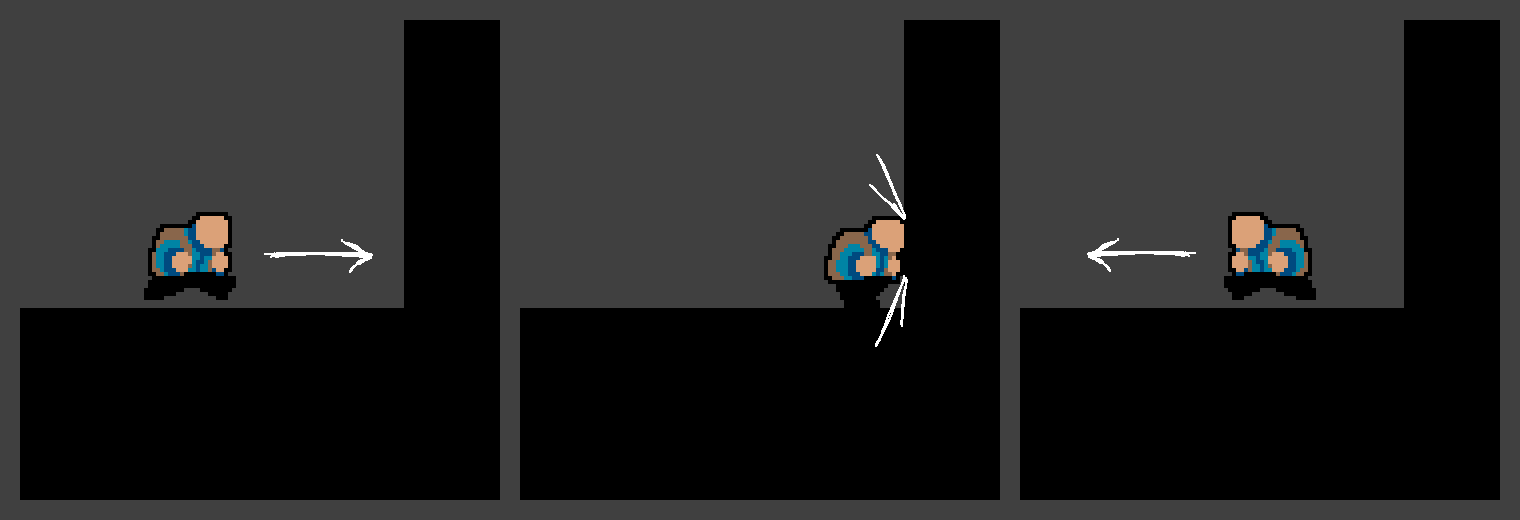
Upon horizontal collision with a wall while grounded, the character's movement direction reverses.
Requires players to plan out and be intentional with character movement and alignment.
[ WALL SLIDE ]
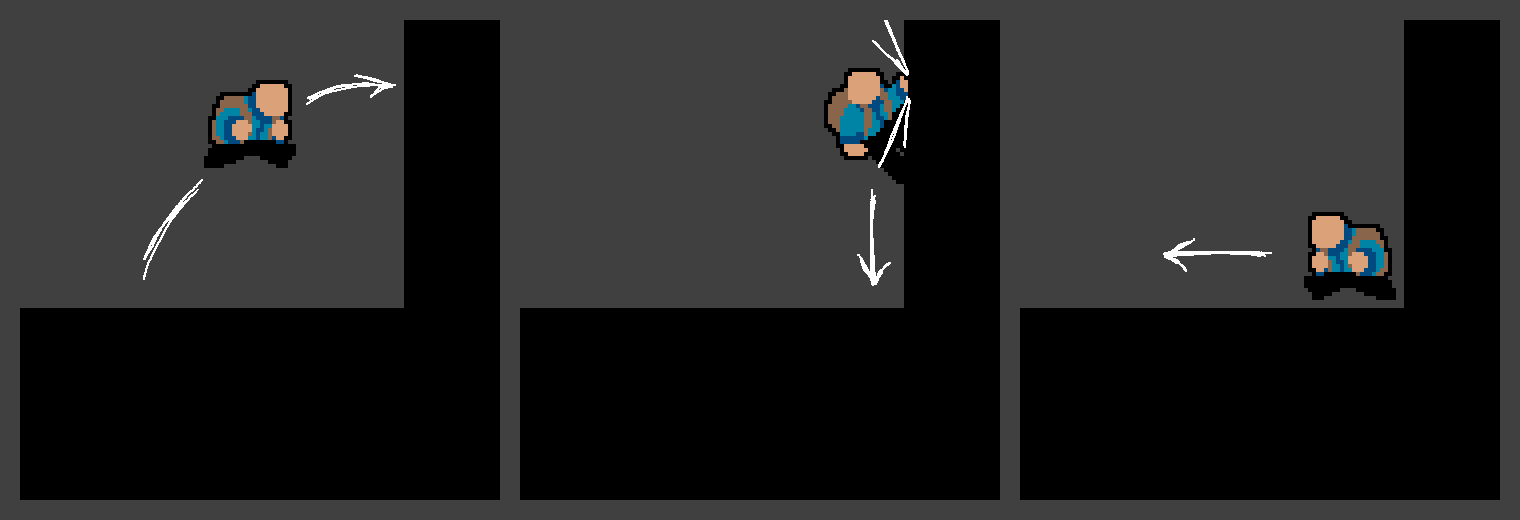
Upon horizontal collision with a wall while in air, the character will cling and slide down the surface.
Allows the player to both have precise control over the character's vertical position and to reverse the character's
movement direction upon reaching the ground.
[ WALL JUMP ]
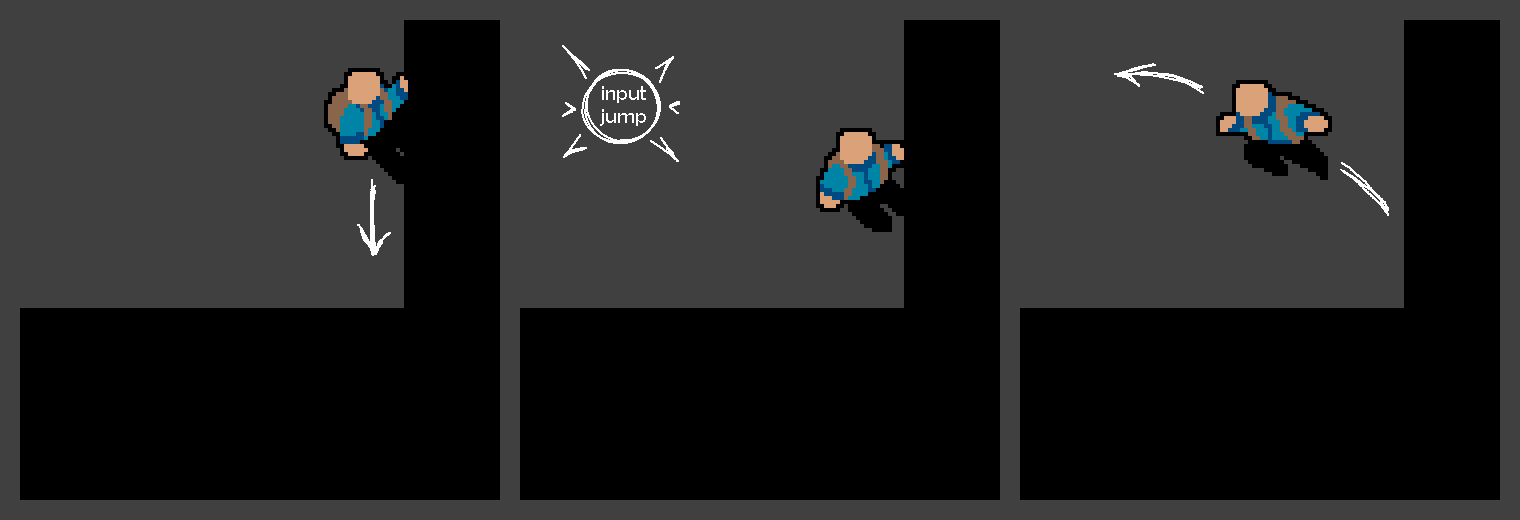
when pressing the jump button in wall slide state, the character jumps off the wall, reversing the movement direction. Gives player agency over when they want the character to detatch from the wall as well as a vertical boost in the opposite direction.
[ ROLL ]
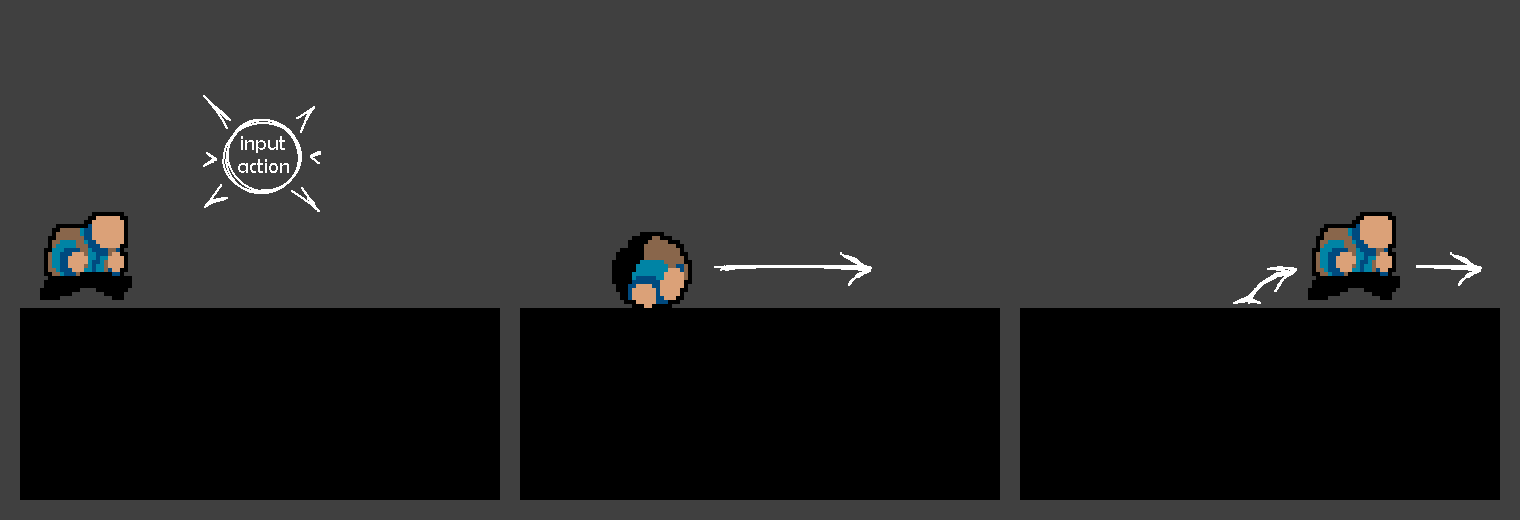
When the action button is pressed while grounded, the character performs a roll that locks character input until they uncurl. This move is used to break obstacles and can also bypass a wall slide by rolling off a platform into a wall, instantly reversing the character's direction. Skillful use rewards players with access to hidden obstacles, alternate routes, and secrets, while the risk is committing to the roll which you can’t jump out of until the timer ends, making hazards and falls more dangerous.
[ AIR DIVE ]
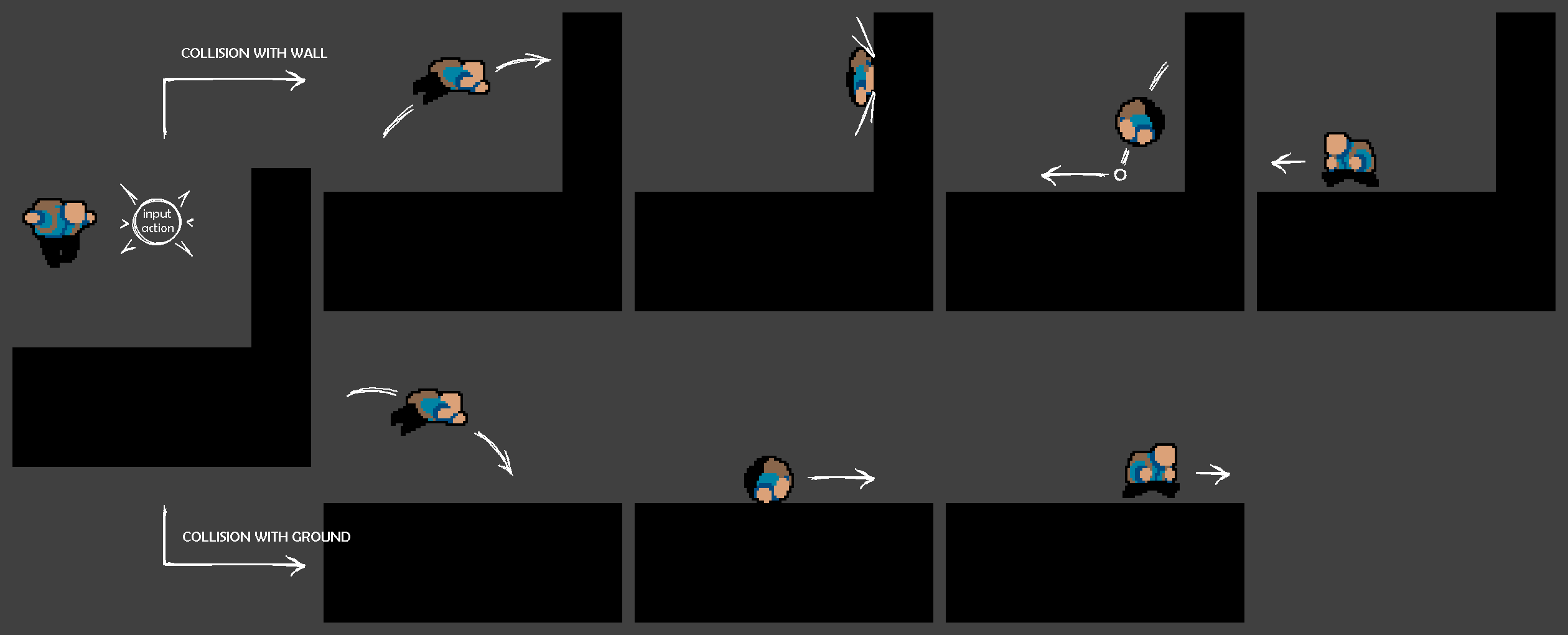
Pressing the action button in midair triggers a diving arc in the movement direction, doubling the character’s speed. Hitting a wall halves the speed back to normal and forces the character into an air roll, which then transitions into a ground roll upon landing. Landing directly on the ground also halves speed and forces an immediate roll. Skillful use allows faster traversal, longer jumps, and access to new routes, while reckless use is riskier than a normal roll, increasing the chance of hazards or bad landings. This added punishment balances the move, which proved overpowered without limits.
[ DIVE KICK ]
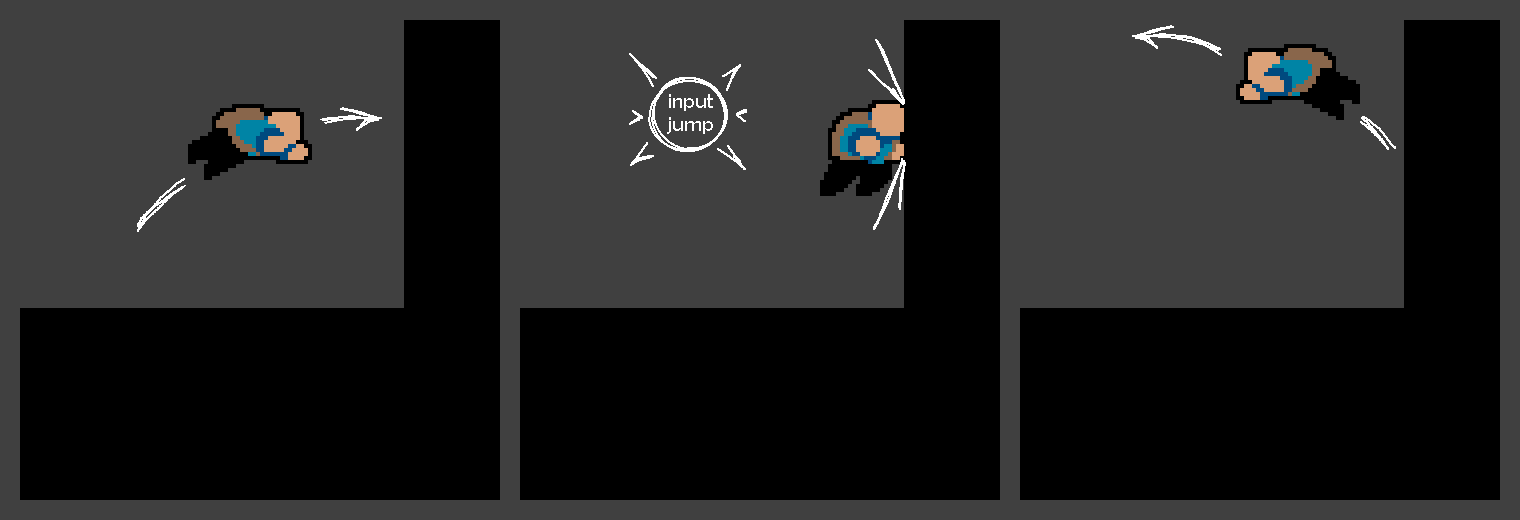
while in the air dive state, a tightly-timed press of the jump button just before colliding horizontally with a wall, the character performs another air dive, reversing the movement direction. Allows back and forth chaining of air dives, although timing is very tight. This is essentially a small extention of the air dive so colliding with a wall or the ground inherets all the same pros and cons.
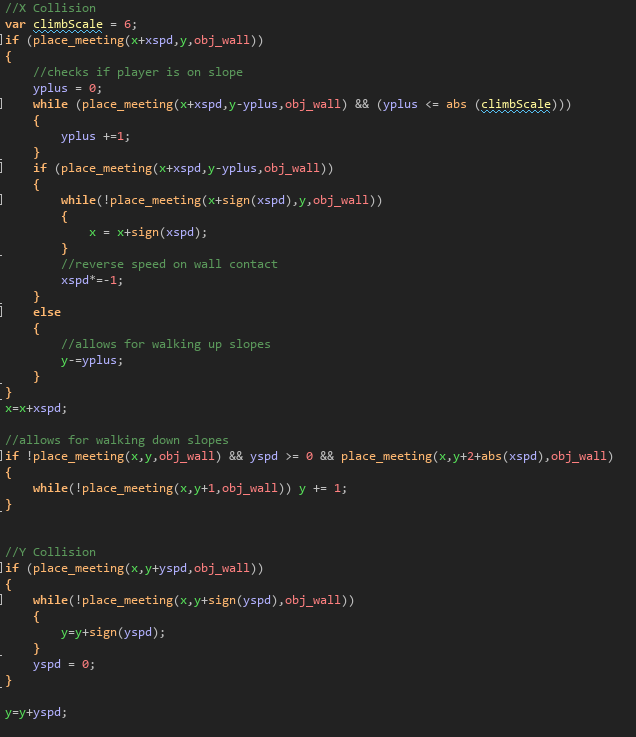
SCALABLE COLLISION SYSTEM To support the wall bouncing terrain-dependent movement, I programmed a scalable wall collision detection system. This system checks for wall collisions in the direction of player movement using X and Y speed components of the player. For example: When the player's X value + Horizontal Speed is colliding with a wall, I then loop through shifting the player pixel by pixel until direct physical contact resulting in reversed speed. This robust system prevents getting stuck in walls and always aligns the player perfectly with the wall.
 NODE-CAMERA SYSTEM
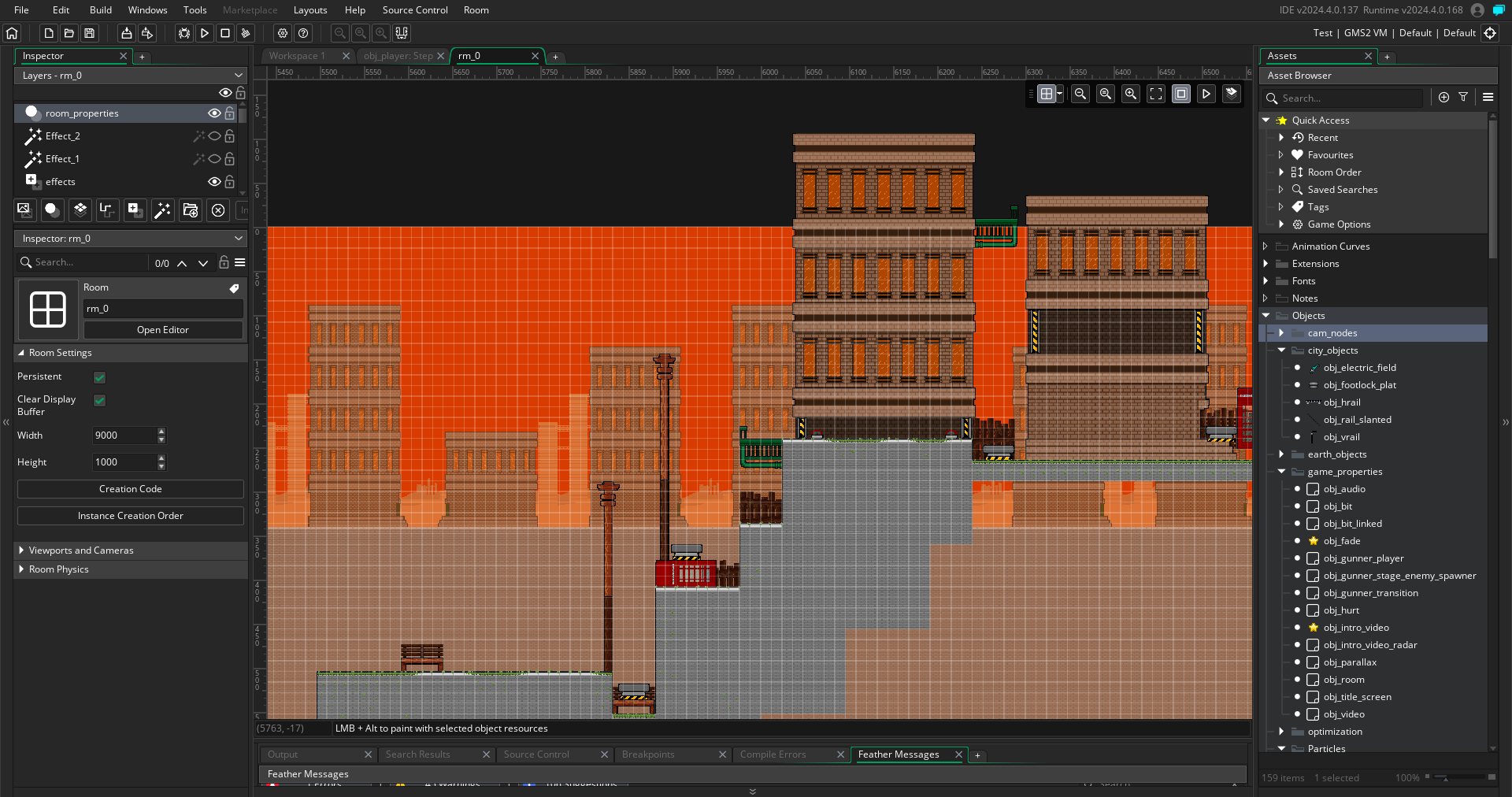
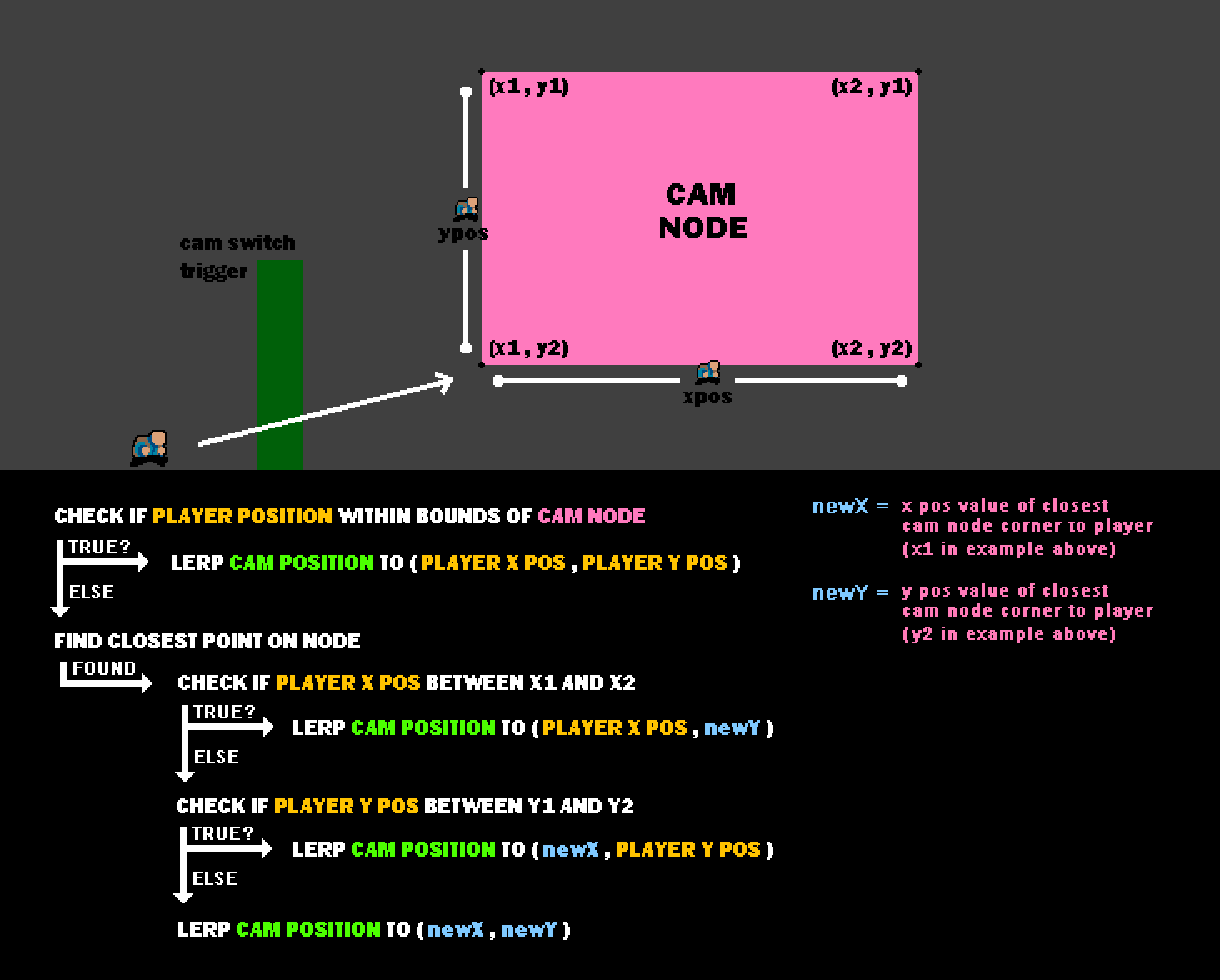
I designed and developed a node-based camera system that allows me to place node objects, each with their own unique ID, anywhere in the level. Upon a collision between the character and a camera transition trigger object, depending on the direction the character is facing during collision, the ID of the next or previous node is passed to the camera. The camera then calculates the closest point to the character within the node's bounds, and smoothly transitions there. This works by checking all four sides of the node, checking whether the character's y position in within the top and bottom y position of the node and same with the x positions, if true for Y is within From there the camera tracks the character while staying within the node's bounds. Scaling the node in the Game Maker Studio 2 room editor directly sets the node's boundaries, allowing me to change the framing of a section simply by moving and scaling that node.
 LEVEL STRUCTURE
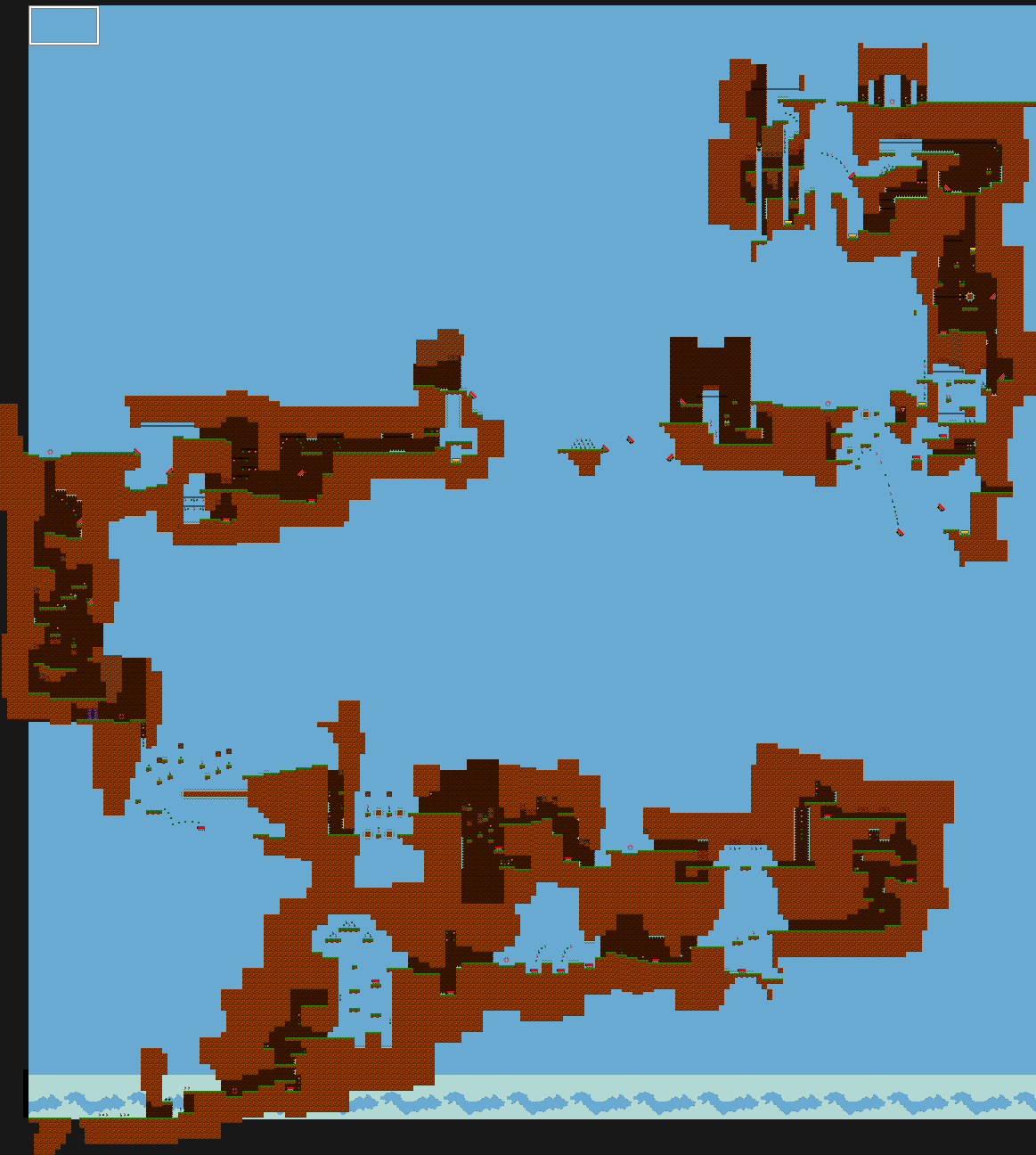
Main Stages (5 act structure)
[ 1 ] Begin with a linear course to get accustomed to the new environment,
hazards, and gimmicks.
[ 2 ] Leans into a more open structure with more pathways, exploration, and
experimentation.
[ 3 ] Reach a Civilization full of the region's inhabitants. This is more or less a
condensed optional safe zone full of little activities and exploration to do.
Complete optional missions (3-4 per biome) given by the natives to fill your
travel map and to unlock that region’s inhabitant as a playable character.
There is also an upgrade shop at every Civilization.
[ 4 ] Continues the open structure but ups the challenge
[ 5 ] Level design narrows down with a higher challenge and an end of level
spectacle (chase, boss encounter, tower climb, etc.)
These acts are intended to be seamless behind-the-scenes style transitions
rather than explicit structure changes.
 GAME STRUCTURE DOCUMENT
Early concept artwork was focused on exploring the visual style and the stage themes and designs. I wanted to go for a simple style that would allow for clear readability of the terrain and character while still being visually engaging. I also wanted to explore different stage themes and mechanics to get a better idea of what I wanted the game to be.
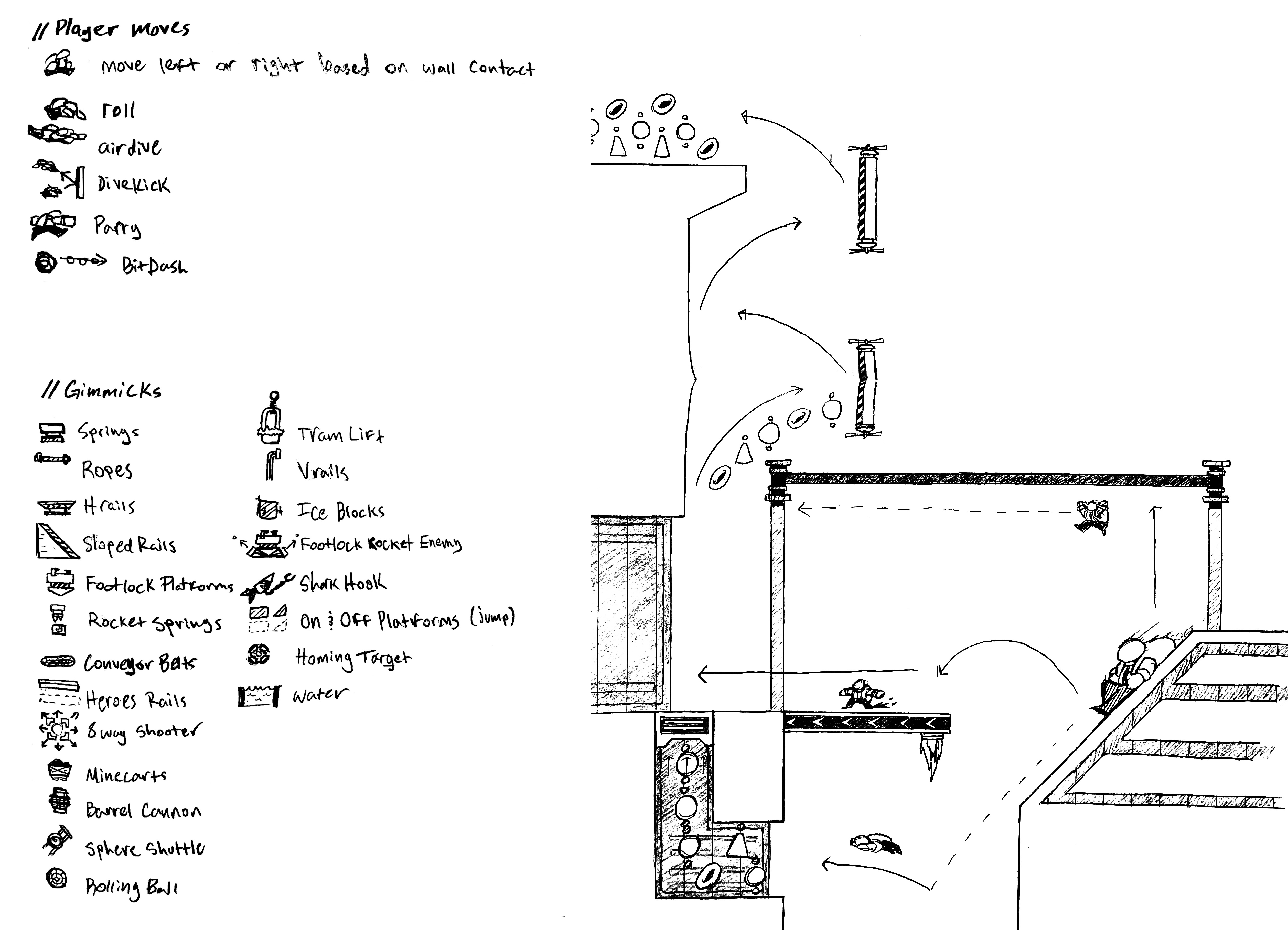
Mechanic/Gimmick Exploration & City Stage Concept
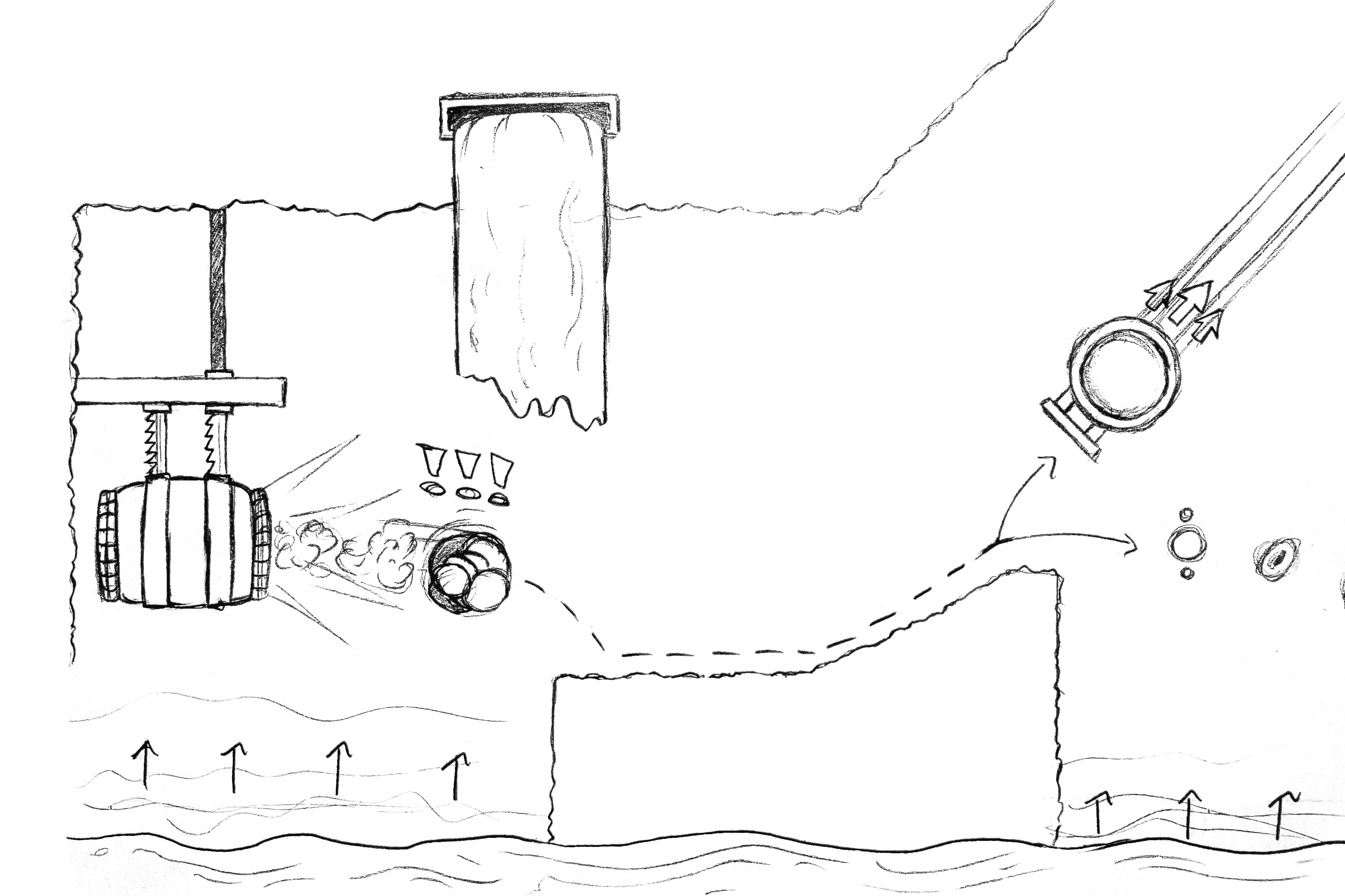
Magma Stage Concept
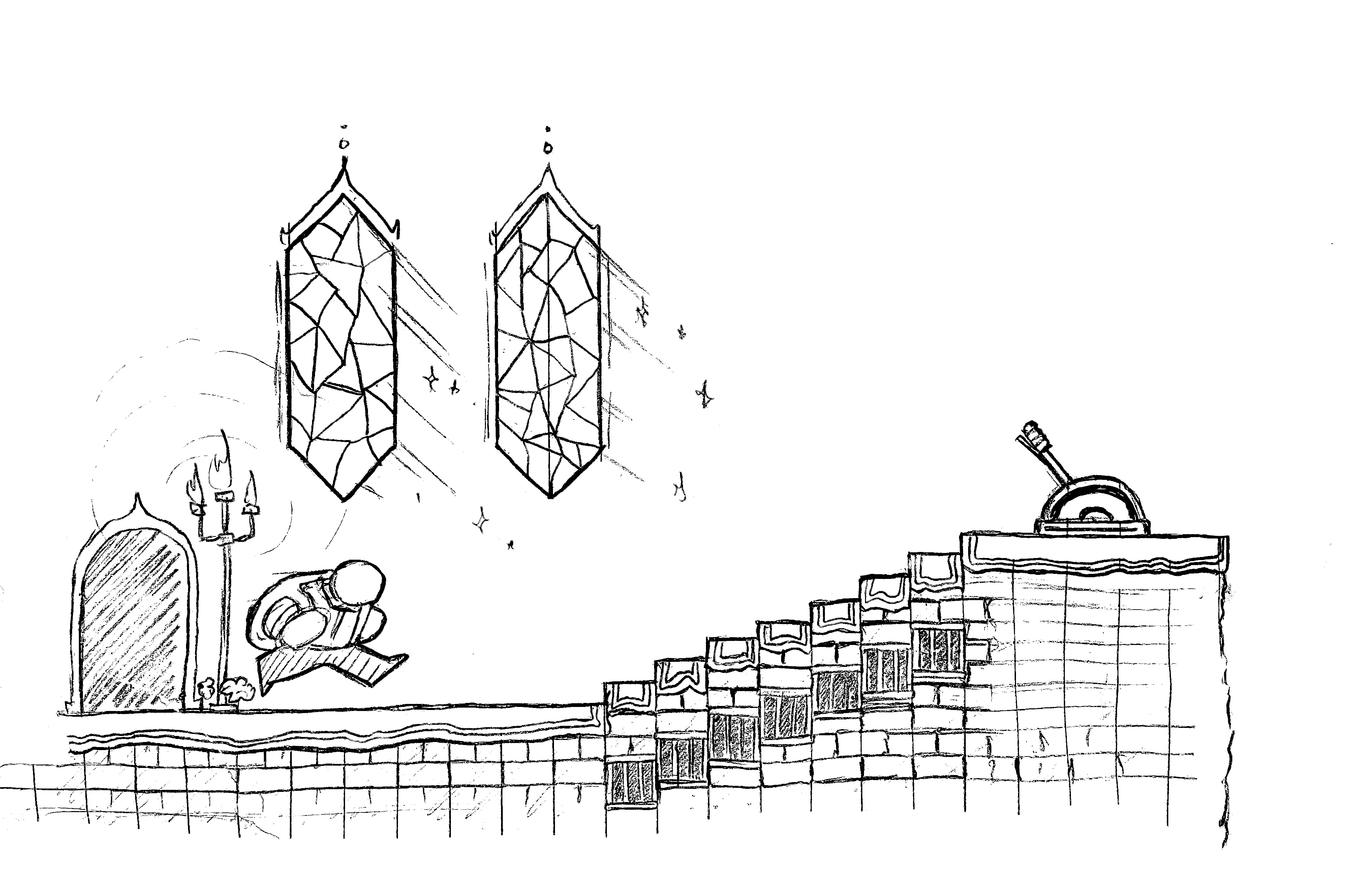
Cosmos Castle Stage Concept
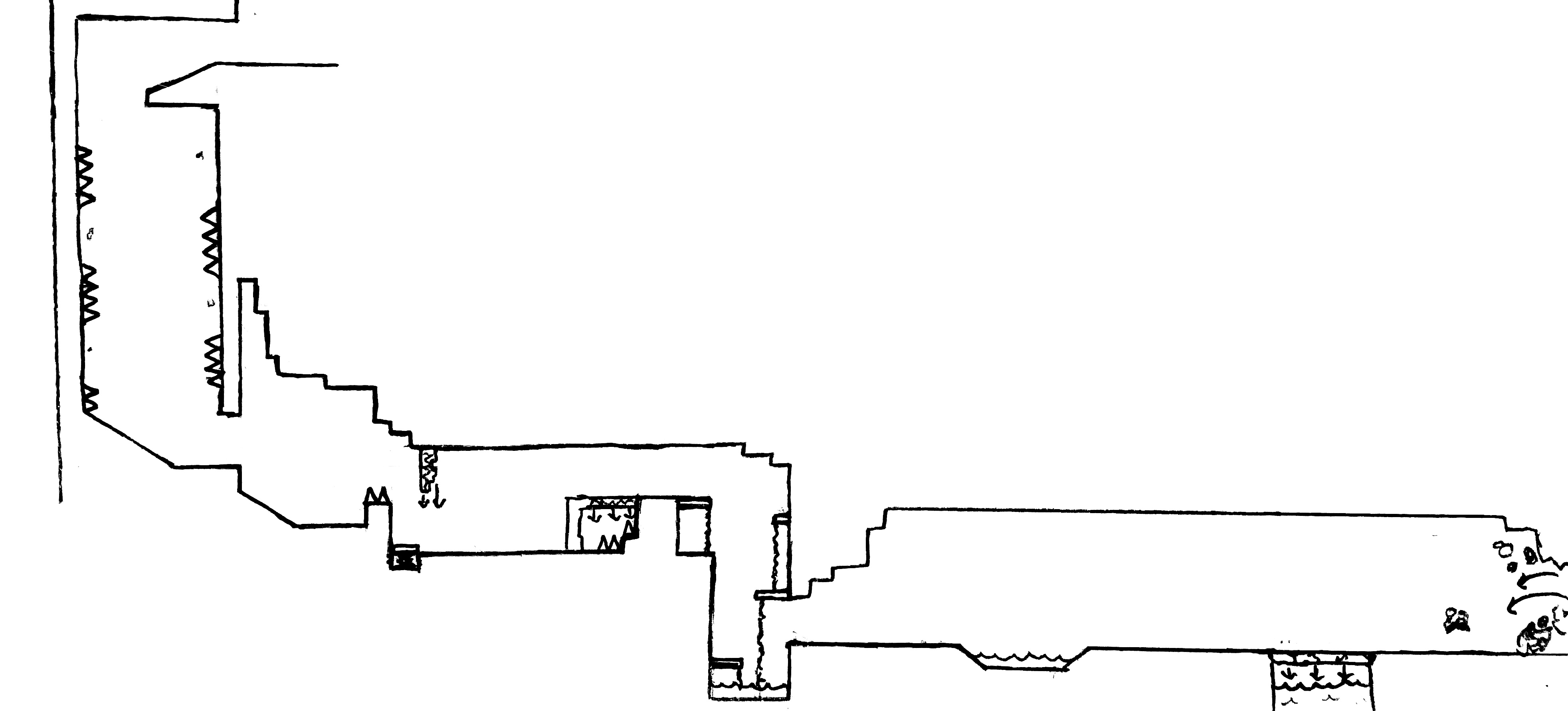
Cave Stage Level Layout
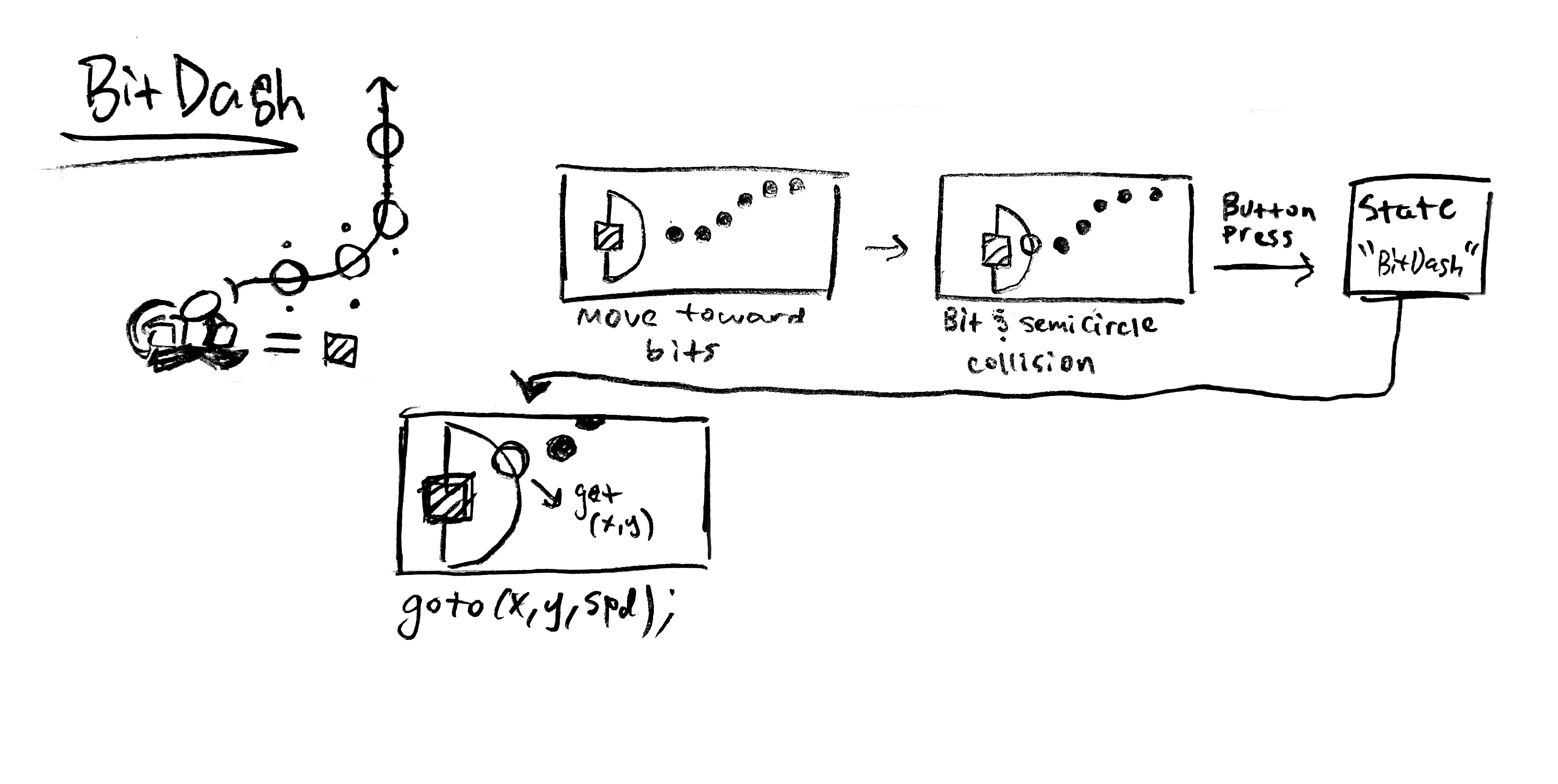
Bit Dash System logic
The artwork is focused on bouncy, responsive animations for quick feedback and simple, colorful environments to keep traversal clear and engaging. I made sure to balance clarity and visual detail by giving all foreground spritework black outlines and higher detail while all background assets are simpler using a less color values.
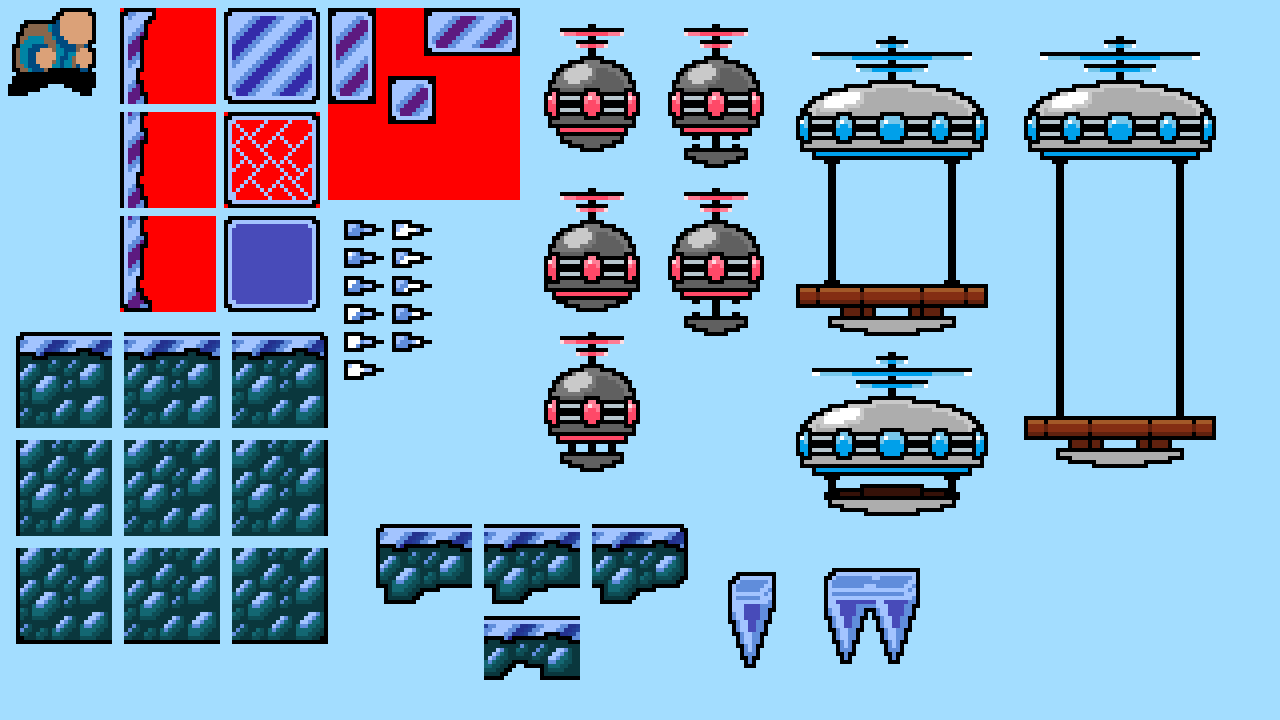
environment: snowy mountain
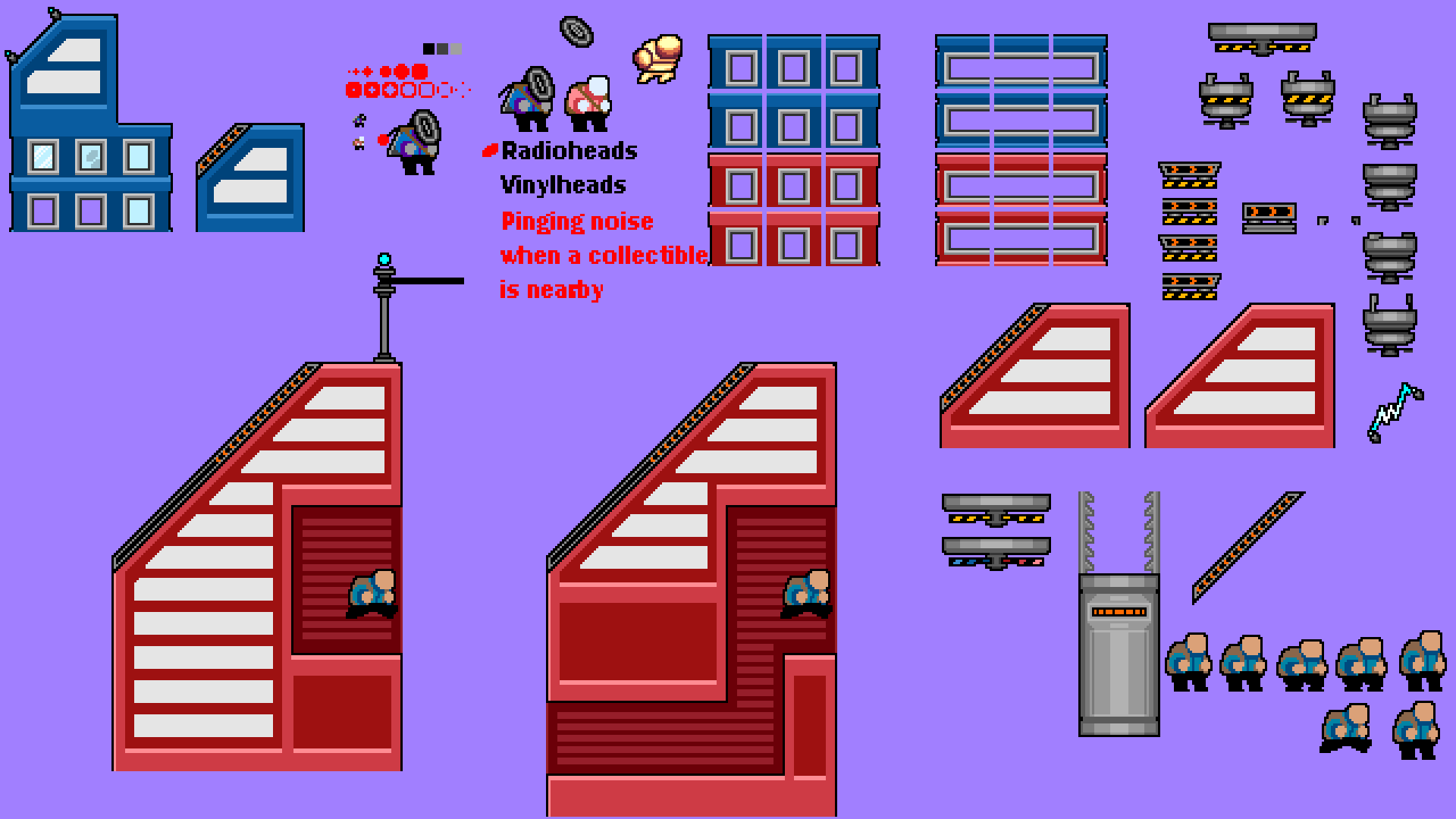
environment: radio city
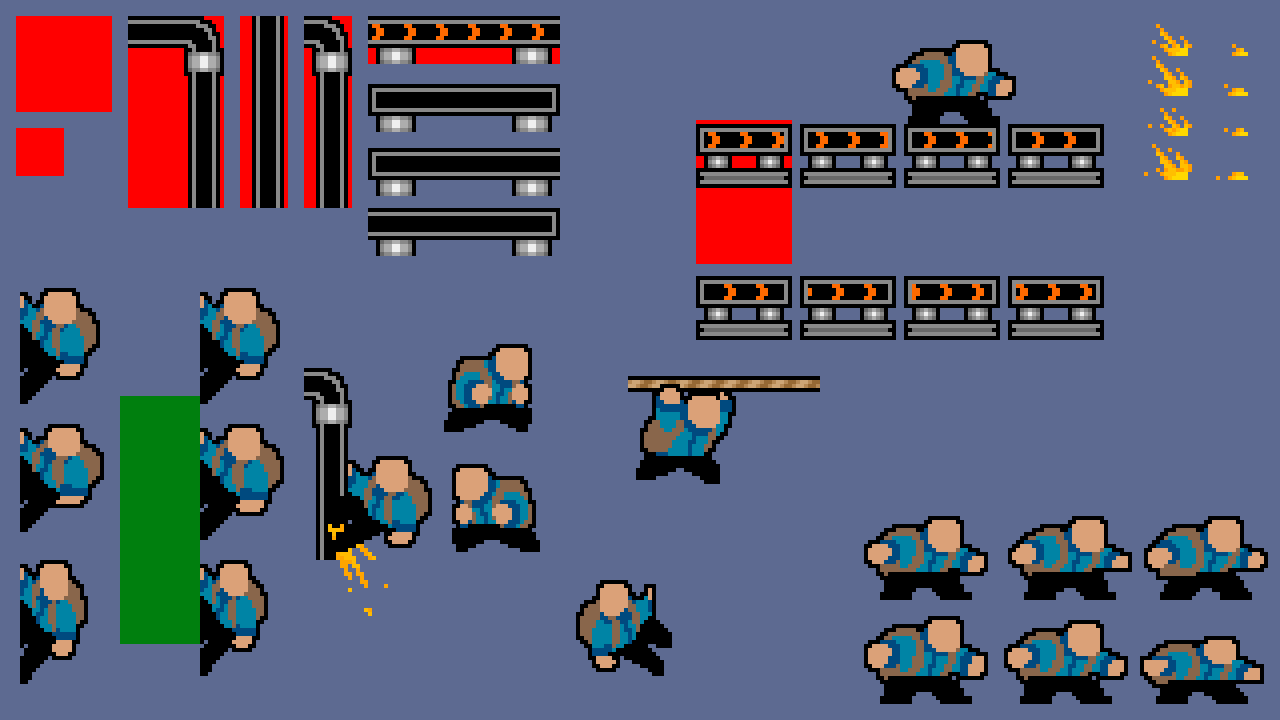
sprite work: character sheet & rails
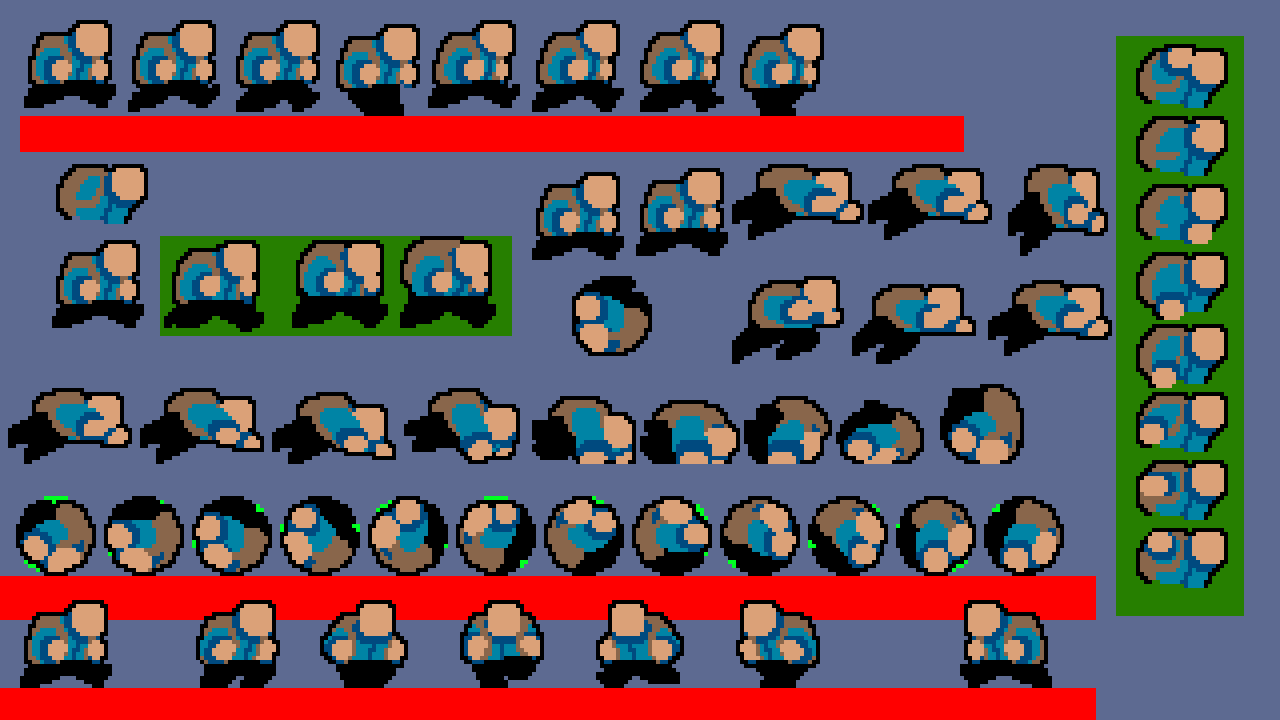
sprite work: character sheet
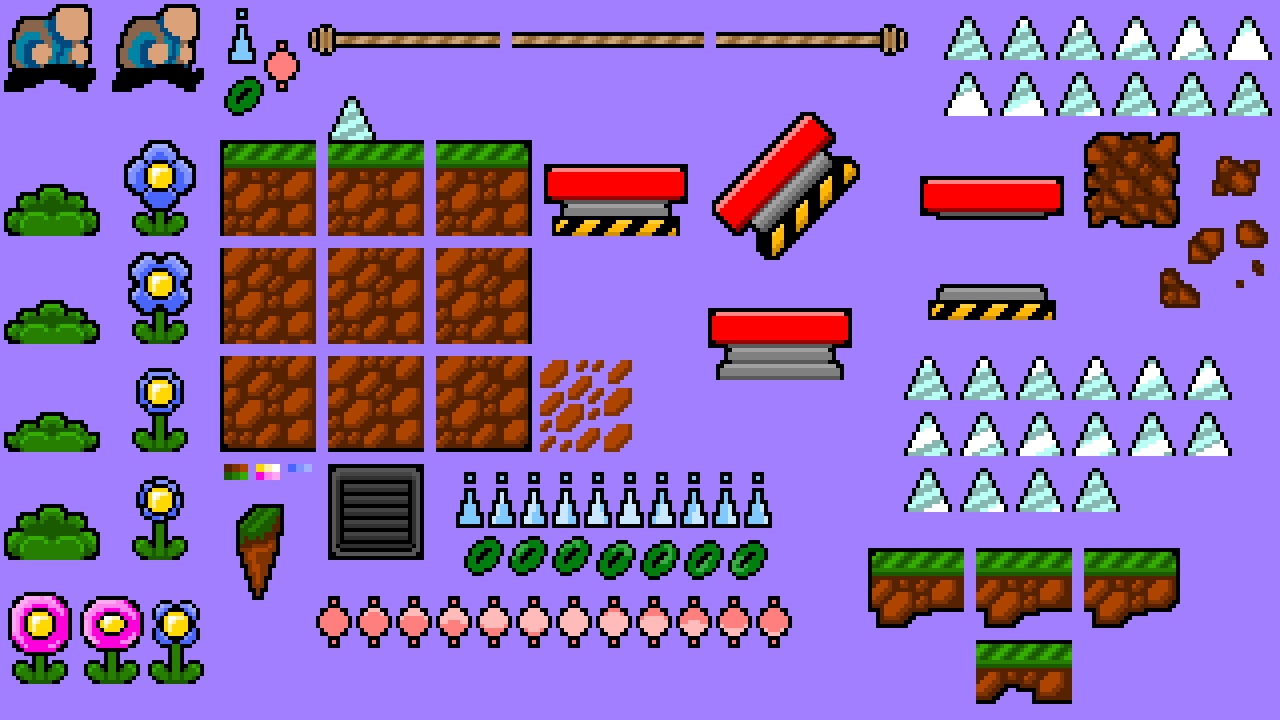
environment: grass plains
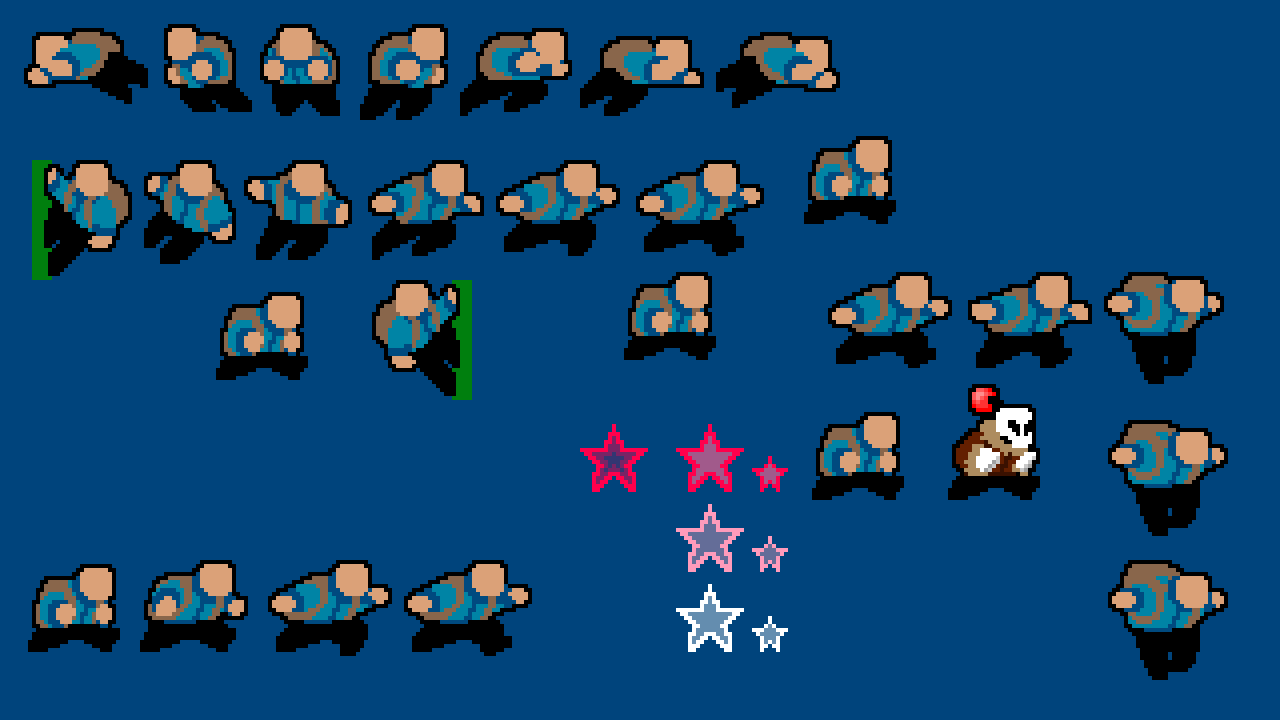
sprite work: character sheet
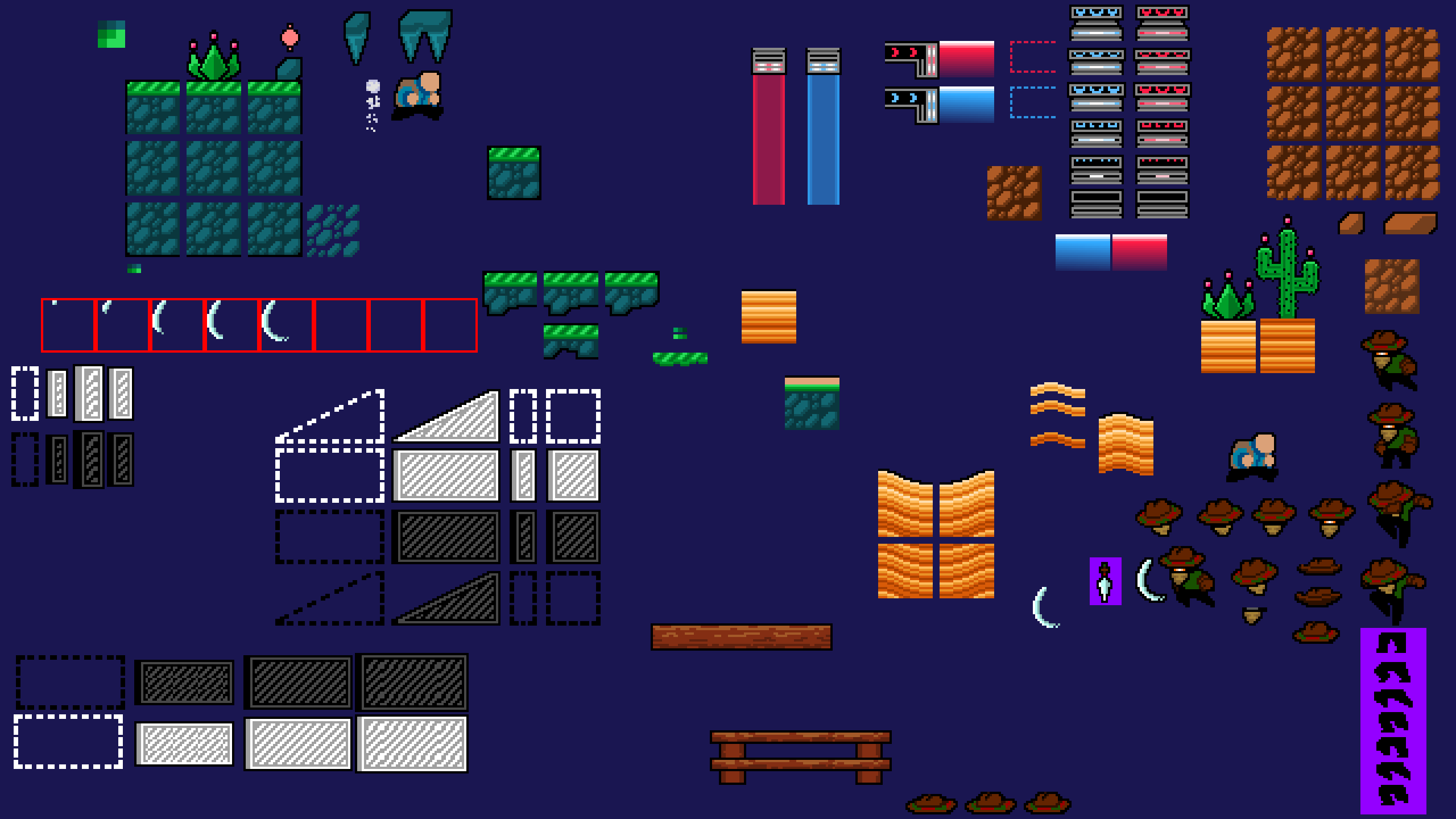
environment: desert
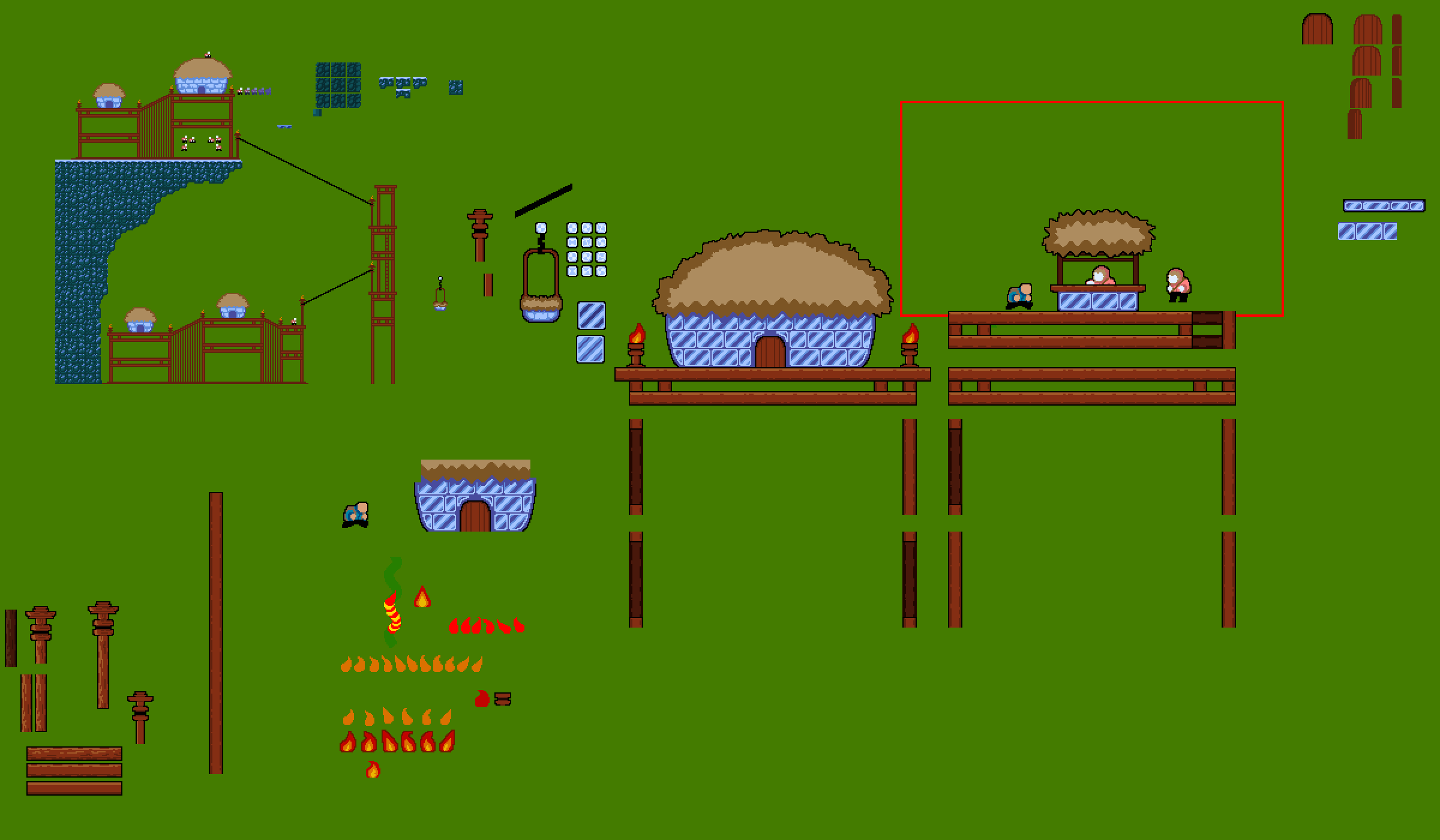
environment: snowy mountain
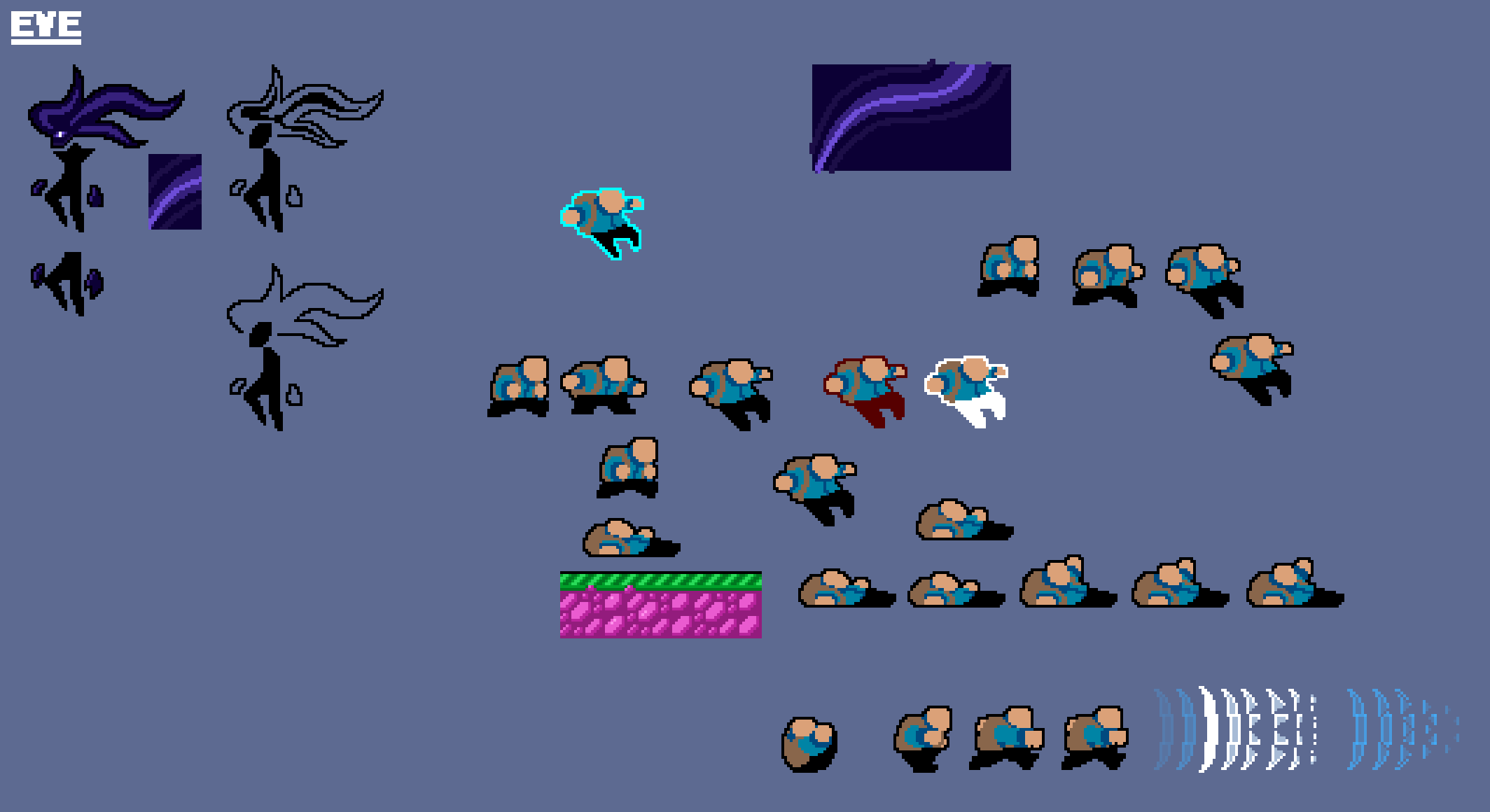
sprite work: character sheet
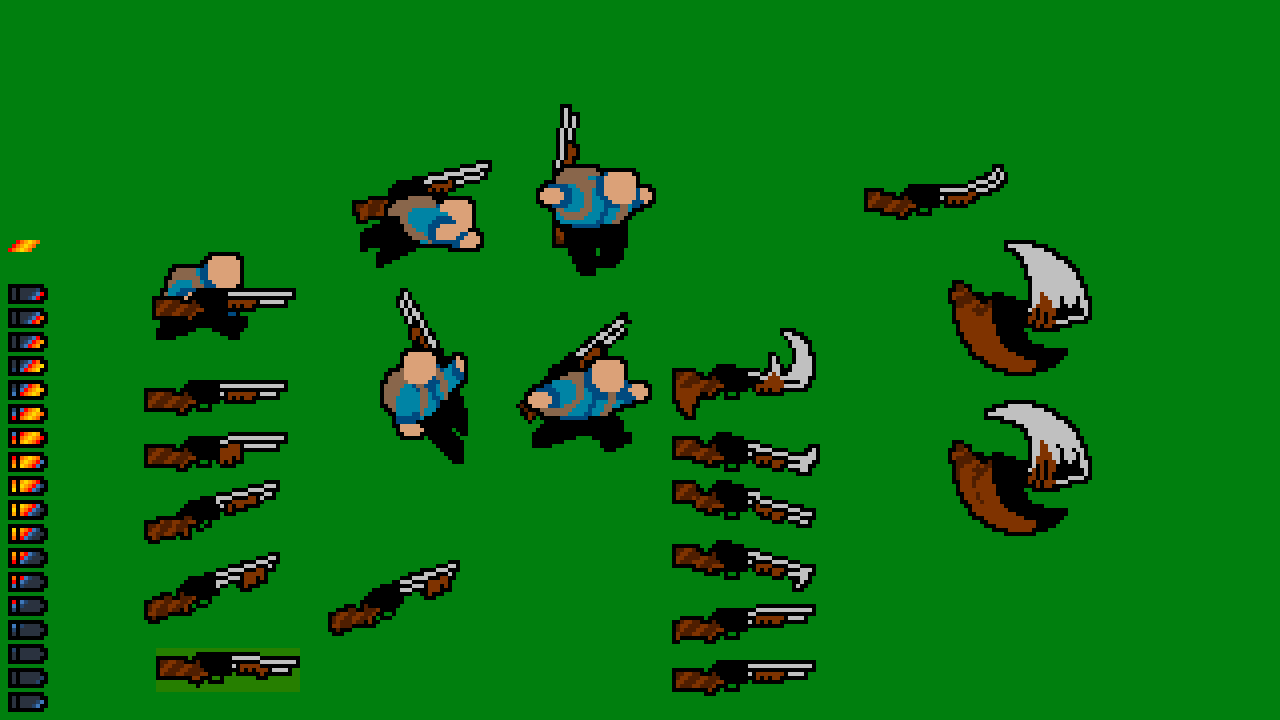
sprite work: character sheet & shotgun